One Mac. Every screen in the building. The same perfect second.
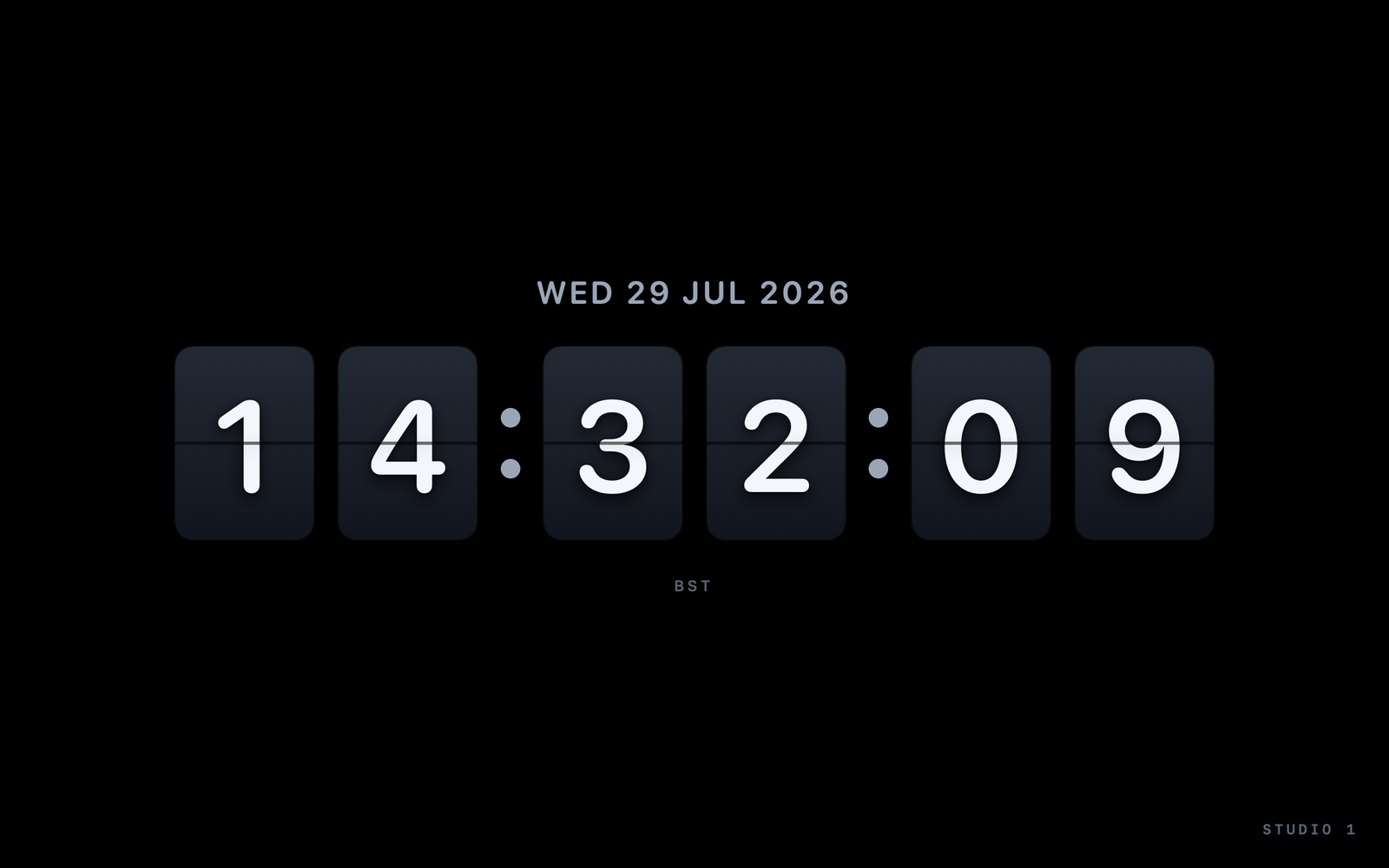
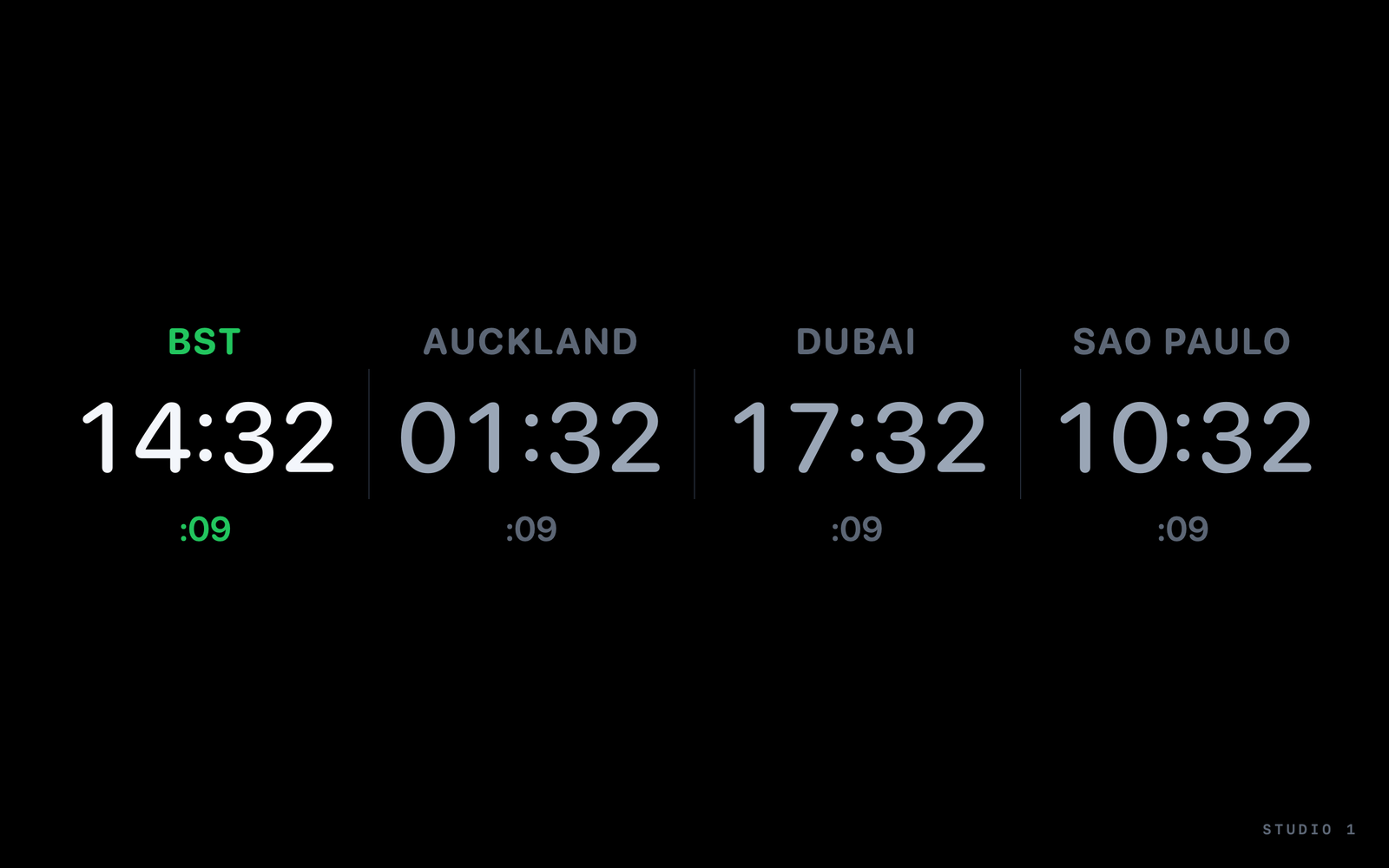
StudioClock turns a Mac into a broadcast studio clock: NTP-accurate time, full-screen on a second display, and live in every browser on your network - a TV, a tablet, a kiosk screen - all synced to the same master. No cloud, no server to maintain.
App Store edition £8.99 · Studio edition £9.99, direct purchase opening soon.
WHAT IT DOES
Everything a control room asks a clock for.
One line each - the features page has the detail.
Stratum-1 servers or your own appliance, a live offset and round-trip readout, and a signed per-display broadcast delay.
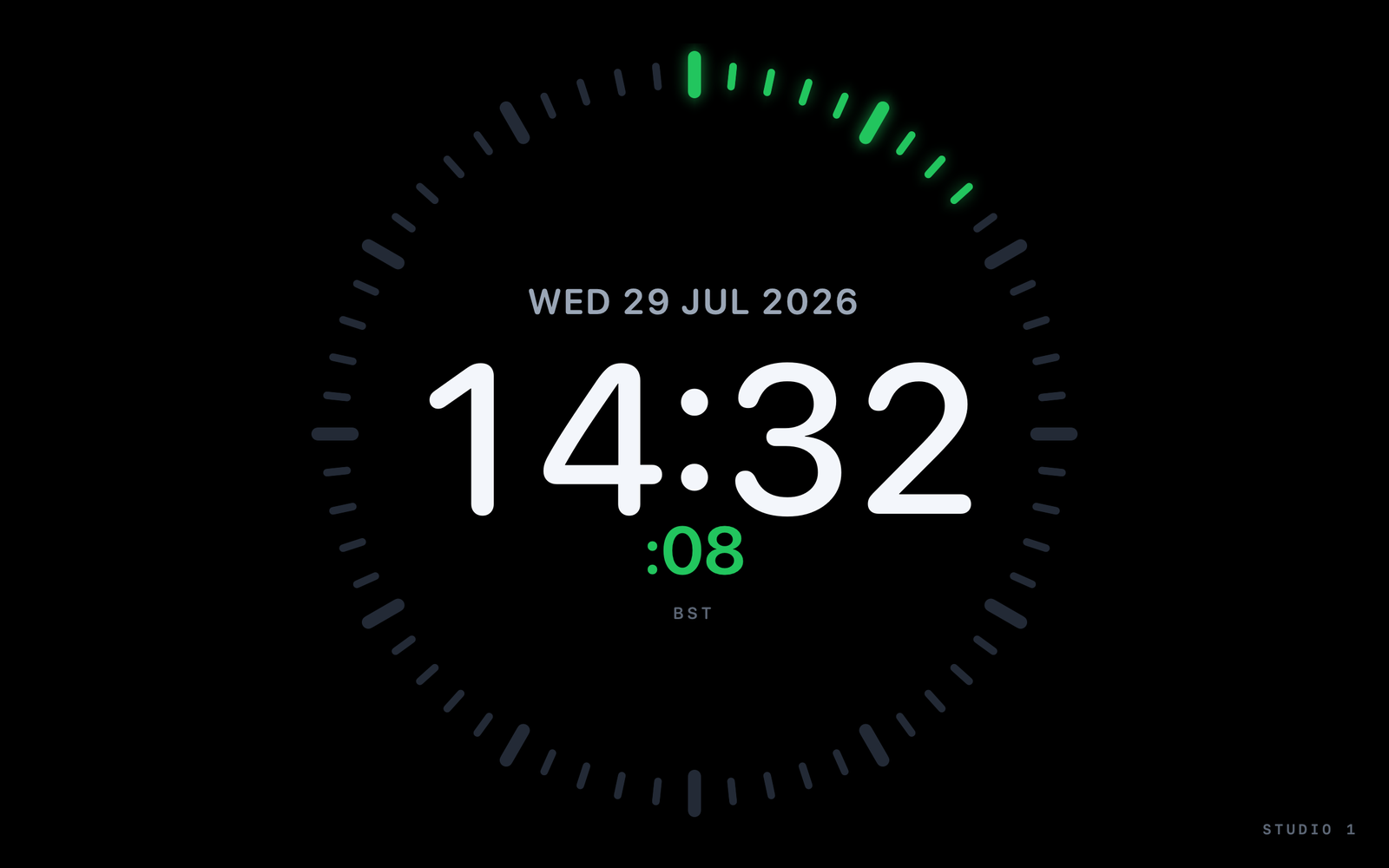
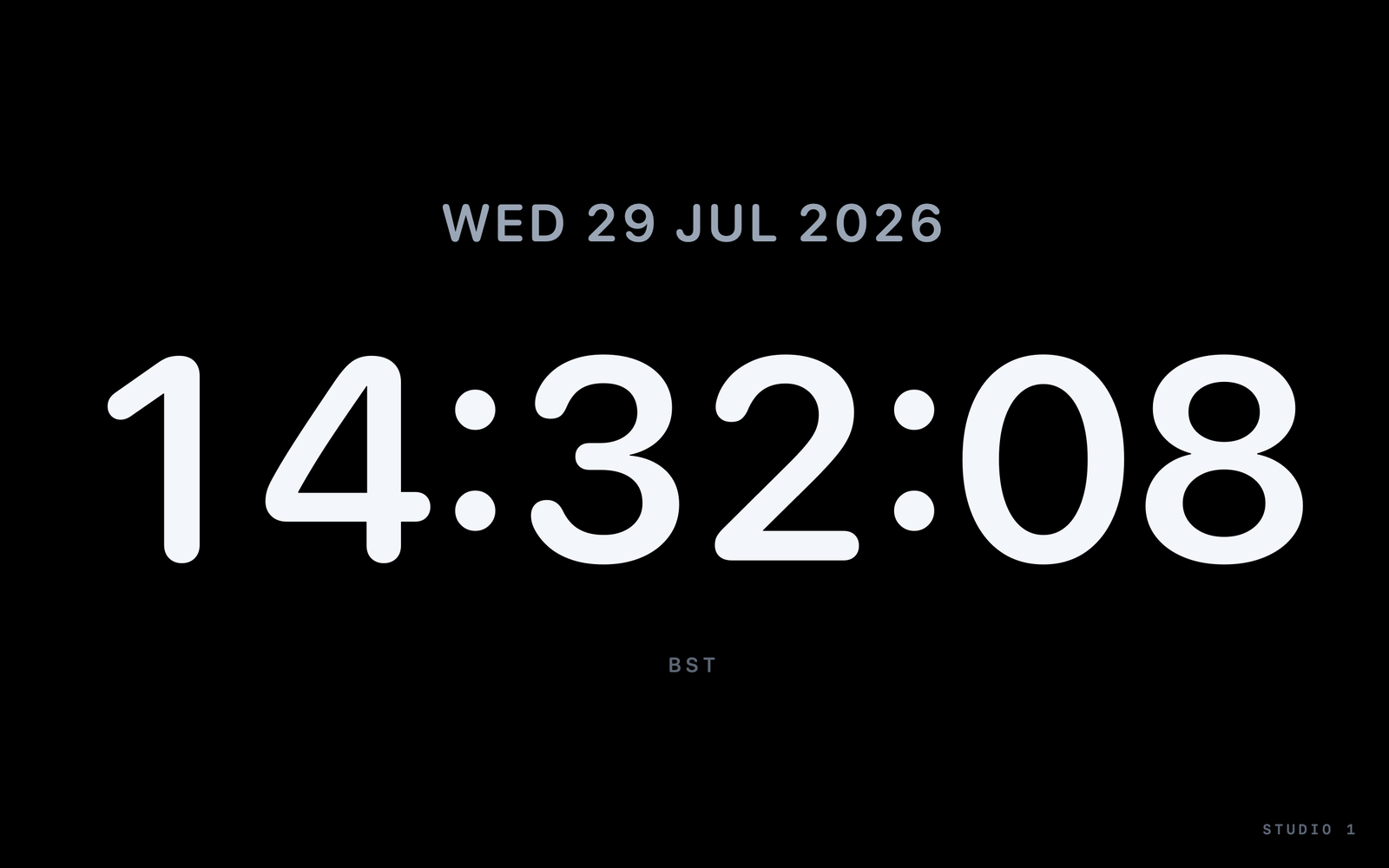
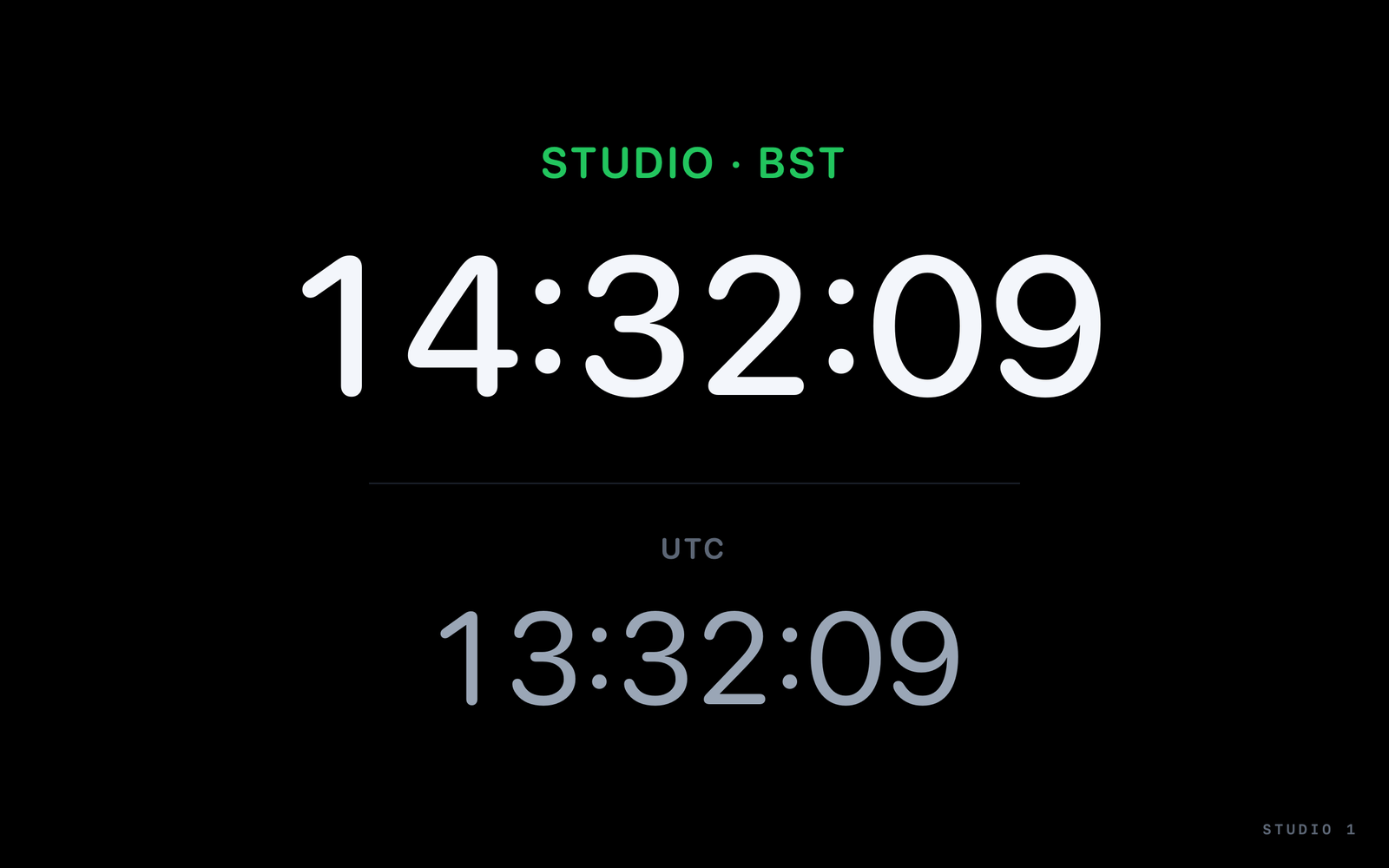
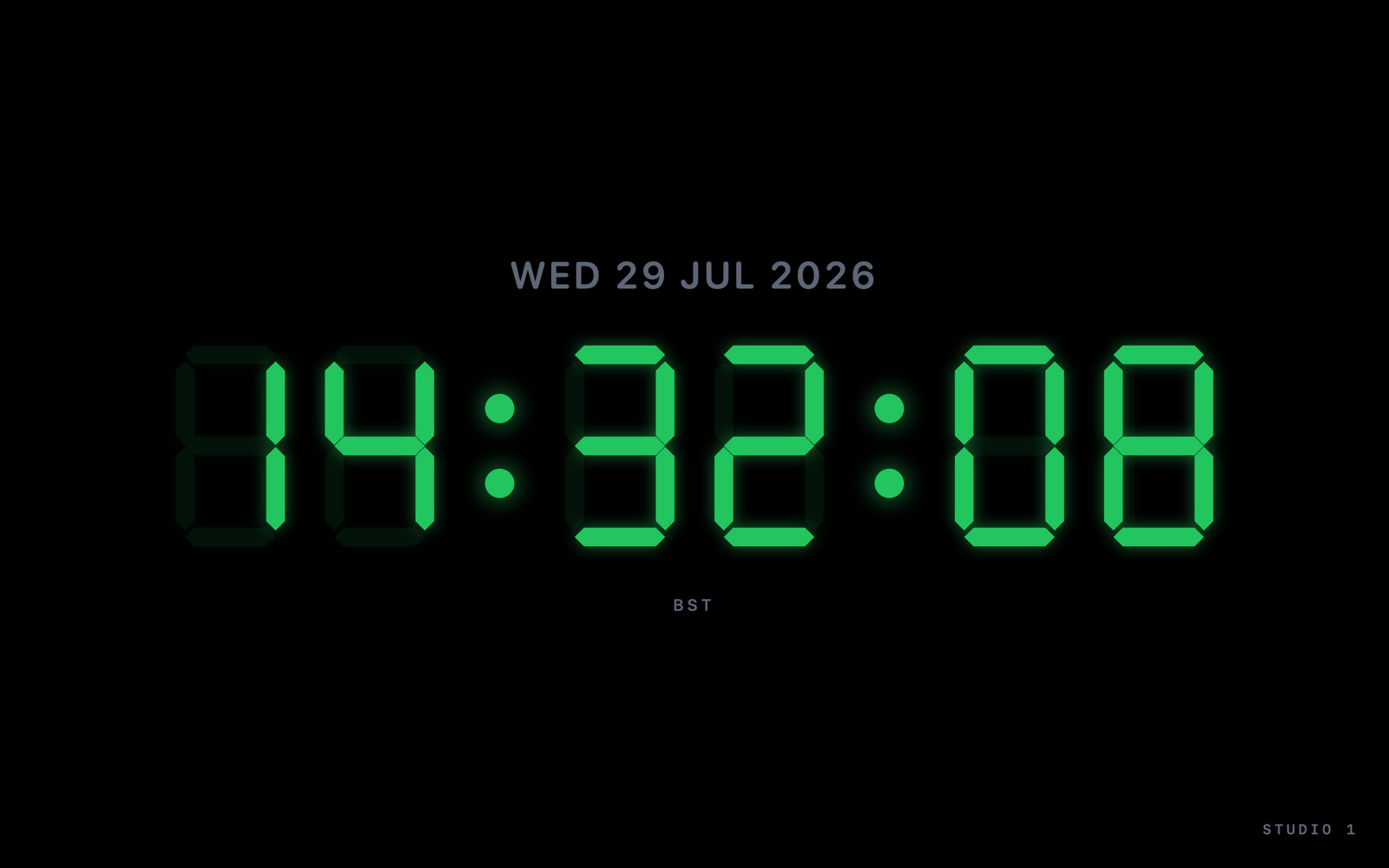
Clocks, countdowns, ON AIR tiles, text and logo tiles. Ten faces, every IANA time zone, full undo/redo, Show Mode to lock it live. Windowed Output puts the same clock in a resizable window when a second display is not to hand.
Captioned, hideable live, auto-stops cleanly at zero, and computed from the same corrected clock.
TSL UMD 3.1 tally receive lights ON AIR from the switcher. OSC in and out for Companion, Stream Deck, vMix and Resolume.
Close the Control window and the clock, LAN viewer and output keep going. Launch at Login means a server Mac survives a reboot alone.
A recovery snapshot trails every edit by seconds, secure network mode adds a Keychain passcode and localhost binding, and diagnostics export in one redacted file.
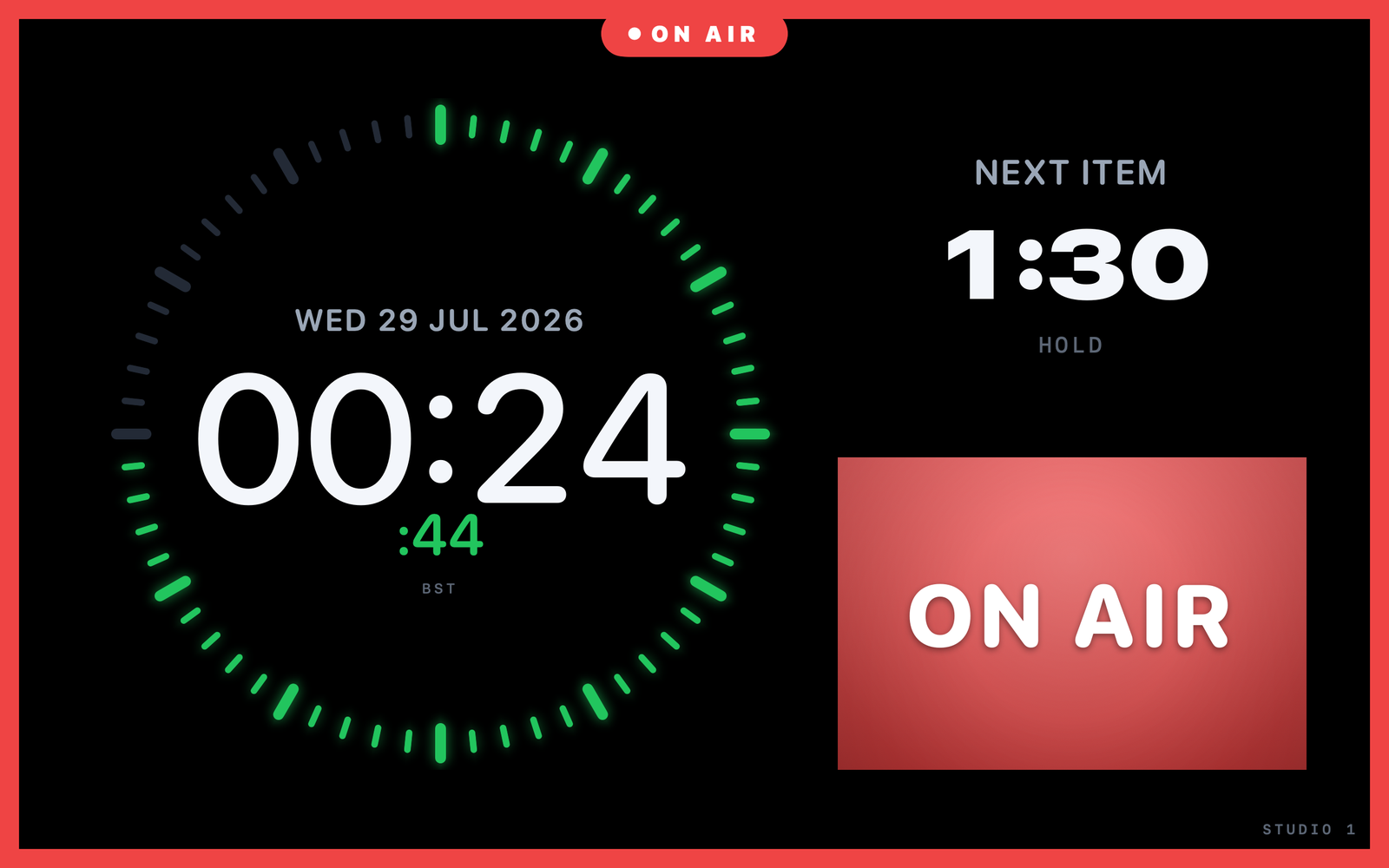
One display, four tiles: the studio clock, the next item's hold time, an ON AIR tile and the full-bleed ON AIR border - all on the same corrected second.
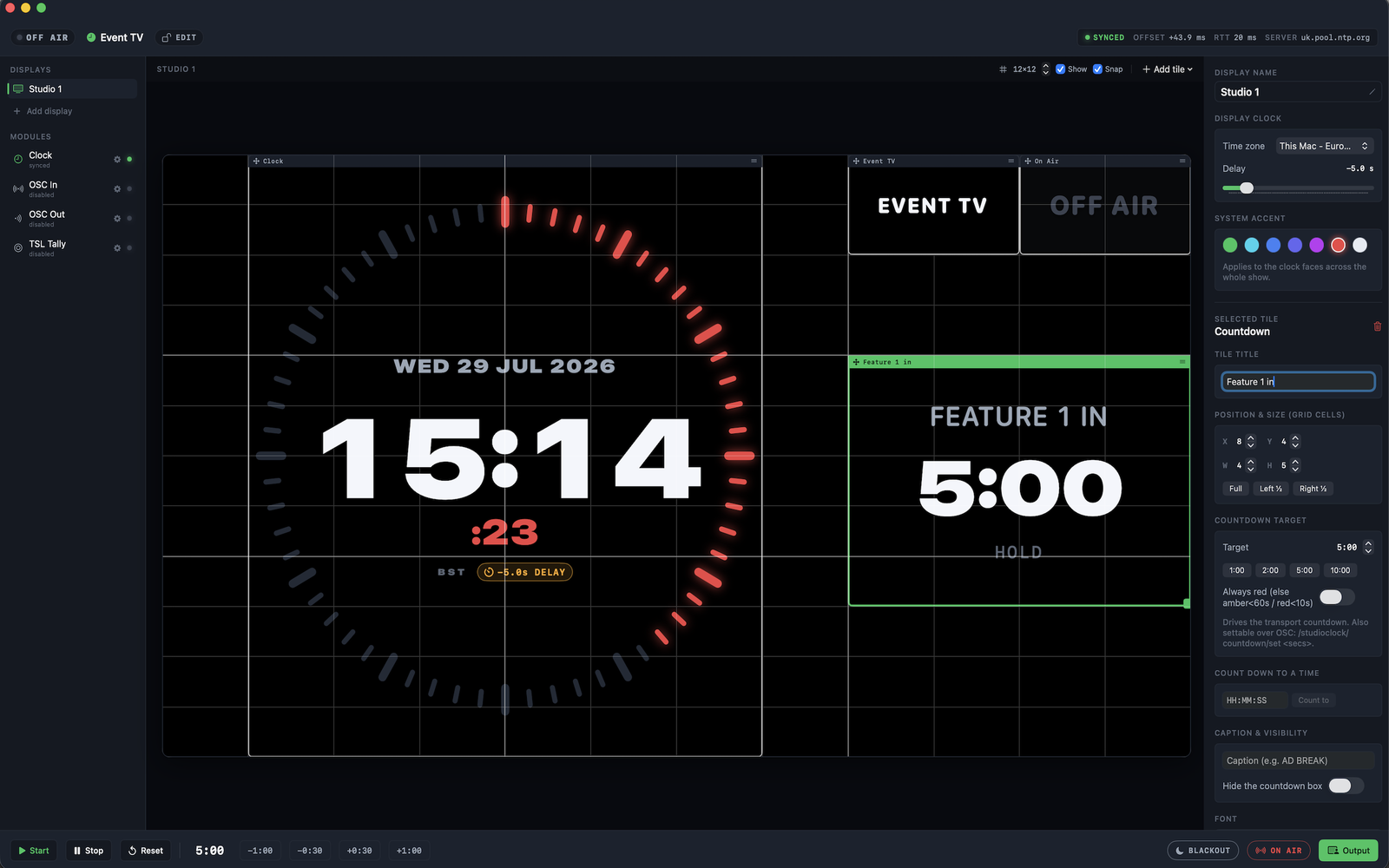
One operator desk: displays and modules down the left, the design canvas in the middle, the selected tile's inspector on the right, and transport, blackout, ON AIR and Output along the bottom. Here a -5.0 s broadcast delay is set on the display, and the show accent is red.
A CLOCK ON EVERY SCREEN
If it has a browser, it can be a StudioClock display.
No app to install on the viewing device, no extra licence, no per-screen cost. Point it at http://<mac-ip>:7777 - or scan the QR code in the Output menu. StudioClock also advertises itself over Bonjour.
Tizen, webOS, Android TV - open the URL, done.
BrightSign, ScreenCloud, Yodeck, Xibo, PiSignage.
Chromium in kiosk mode or FullPageOS. A Pi Zero 2 W is enough.
Guided Access, or Fully Kiosk on Android.
EIGHT LANGUAGES
Localised interface. Control-room terms left alone.
English (UK and US), German, French, Spanish, Italian, Japanese and Traditional Chinese - switchable from the Language menu or macOS's per-app picker. ON AIR, OSC, NTP, TSL, PGM and PVW stay in English everywhere, deliberately, as universal signage.
The in-app Help manual and the LAN viewer are in English.
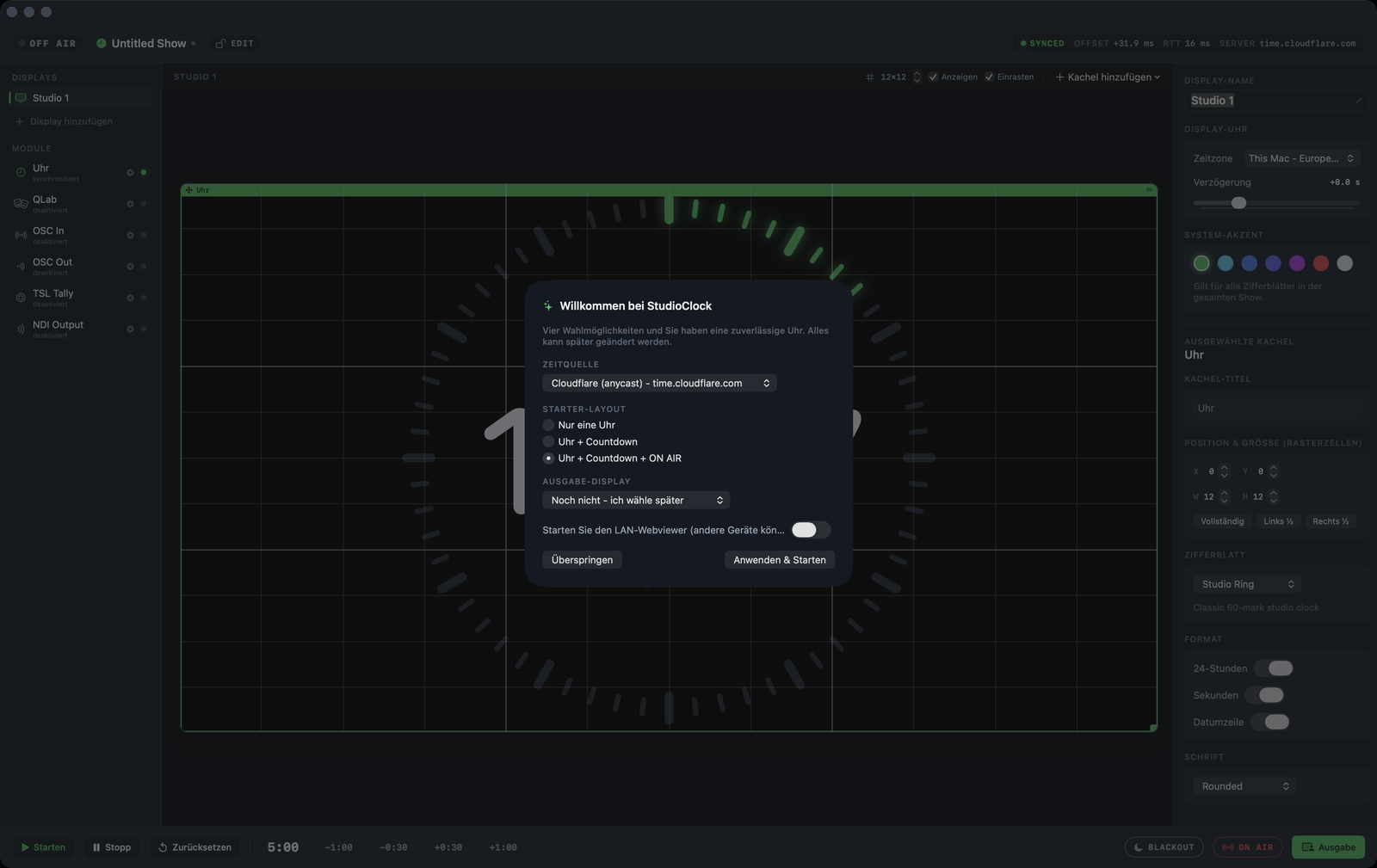
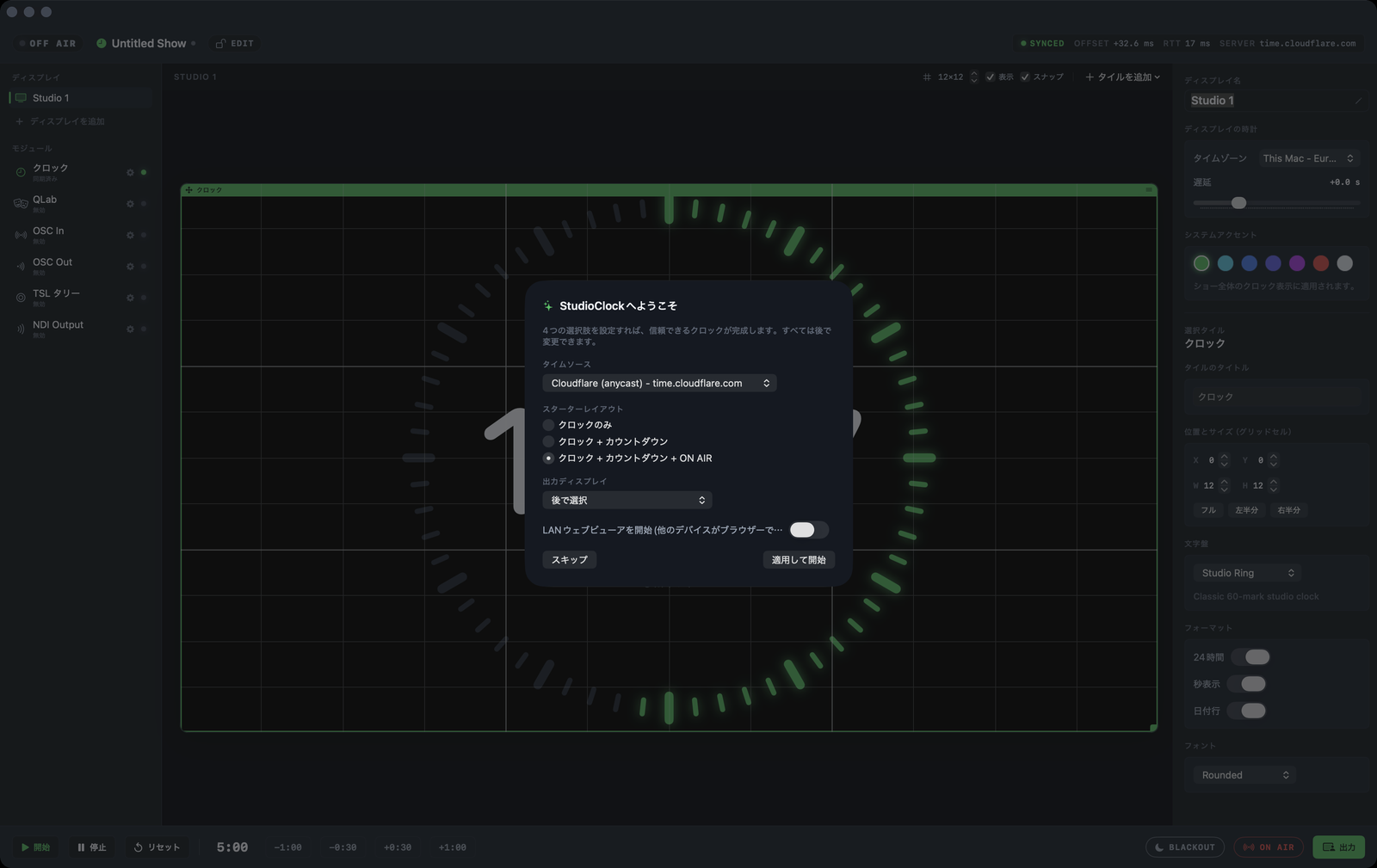
TWO EDITIONS, ONE CODEBASE
Everything except NDI is identical.
The Studio edition is a direct download from this site and adds NDI video output. The App Store edition carries everything else, installed and updated automatically by the App Store.
Compare editionsDownload from this site · adds NDI output
Direct purchase opening soon
Mac App Store · installs and updates itself
BUILT BY A BROADCAST ENGINEER
StudioClock is built by a broadcast engineer for the desk it sits on: no accounts, no analytics, no cloud dependency, and a clock that holds rather than blanks when the network wobbles.
Rick Skelton · rick-skelton.com/studio-clock
Put it on a screen tonight.
macOS 14 or later. A show file, a second display, and a browser on the LAN.